
What Month Is It?
Are you trying to figure out what month it is?


It's Currently the Month of:
Current Month Number:
This is the month for today's date, which is . Learn more about March.
More About the Current Month
- Full Name: March
- Abbreviated Name: Mar
- Month Number: 3
- Total Days in the Month: 31
Learn more about the months of the year.
March Calendar
| Sun | Mon | Tue | Wed | Thu | Fri | Sat |
|---|---|---|---|---|---|---|
| Valentine's Day | ||||||
| Presidents' Day | ||||||
| Sun | Mon | Tue | Wed | Thu | Fri | Sat |
|---|---|---|---|---|---|---|
| International Women's Day | ||||||
| St. Patrick's Day | Start of Spring | |||||
| Sun | Mon | Tue | Wed | Thu | Fri | Sat |
|---|---|---|---|---|---|---|
| Easter | ||||||
| Sun | Mon | Tue | Wed | Thu | Fri | Sat |
|---|---|---|---|---|---|---|
| Mother's Day | ||||||
| Memorial Day | ||||||
You can also print a formatted calendar and see important holidays with our March 2026 Calendar.
Holidays This Month
- : Easter
How To Calculate the Current Month Using Excel or Sheets
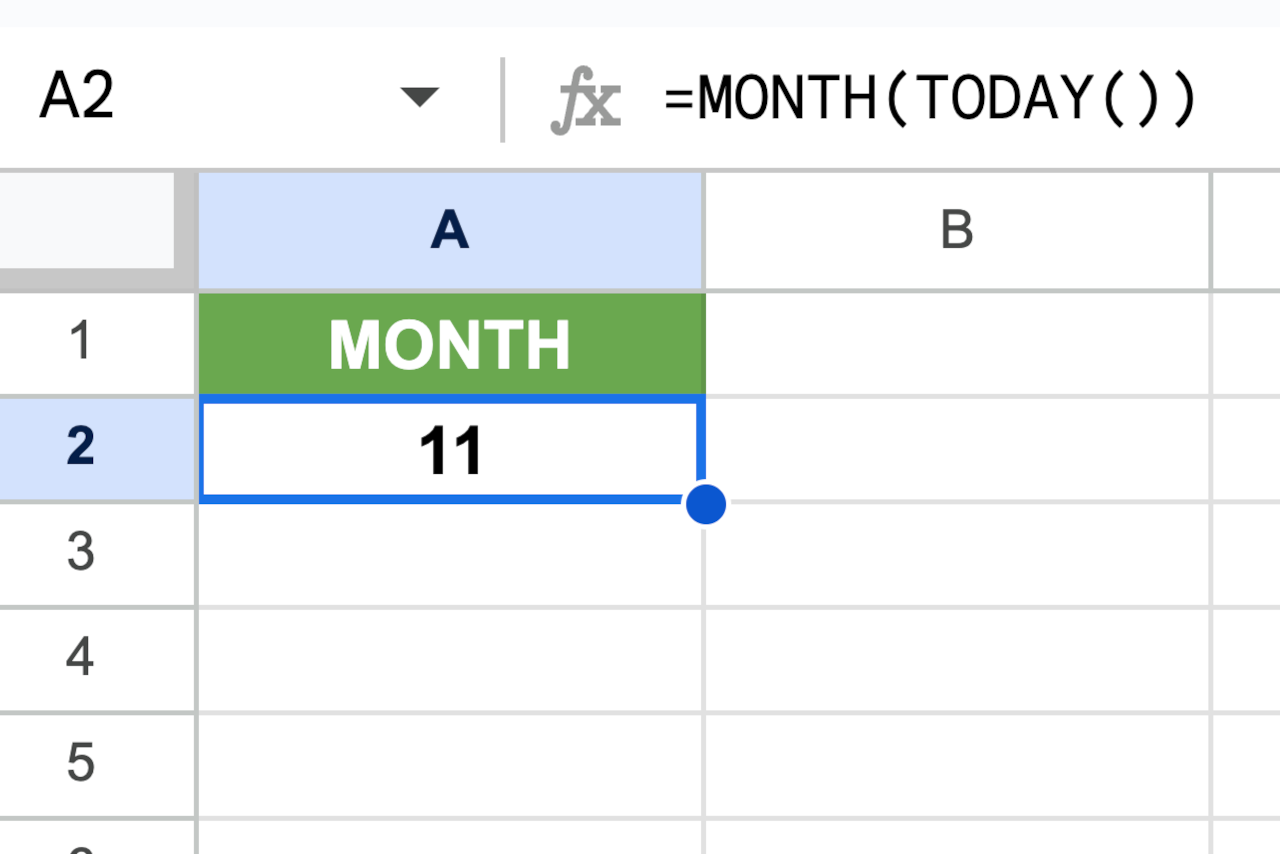
You can also calculate what month it is using Google Sheets or Microsoft Excel with the MONTH() function.
=MONTH(TODAY())
Simply enter this formula into any empty cell to get the month number for a date in any given cell. For instance, if the current date of 11/15/26, then you can enter the formula =MONTH(TODAY()) into a cell to calculate the current month and the result might look like this:
You might also be interested in our month calculator to find the number of months between two dates.